Scan the planner's PDF instead of retyping it.
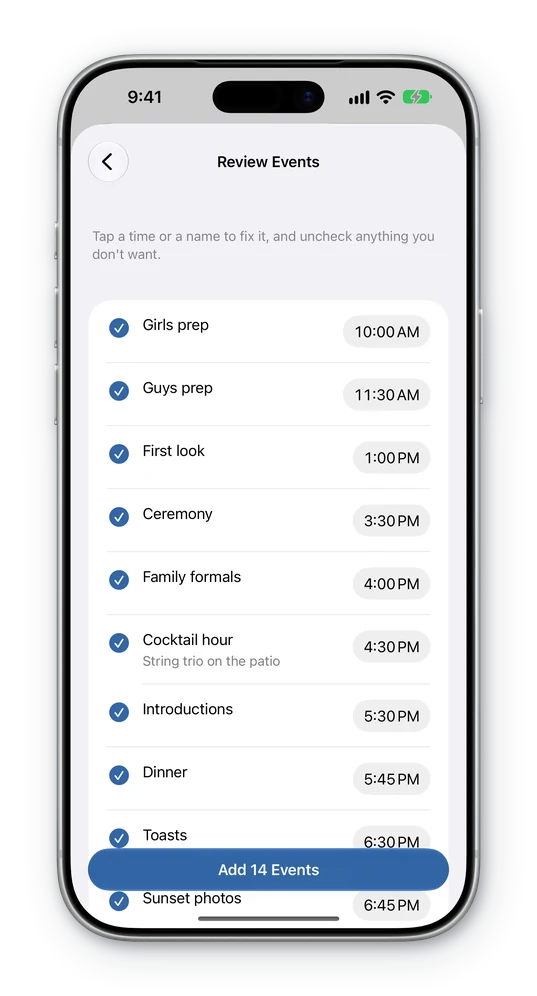
Point the camera at the printout, or pick a PDF, a photo or a screenshot, or paste the text. You check every row before it's added. It's all read on your iPhone, and nothing is uploaded.
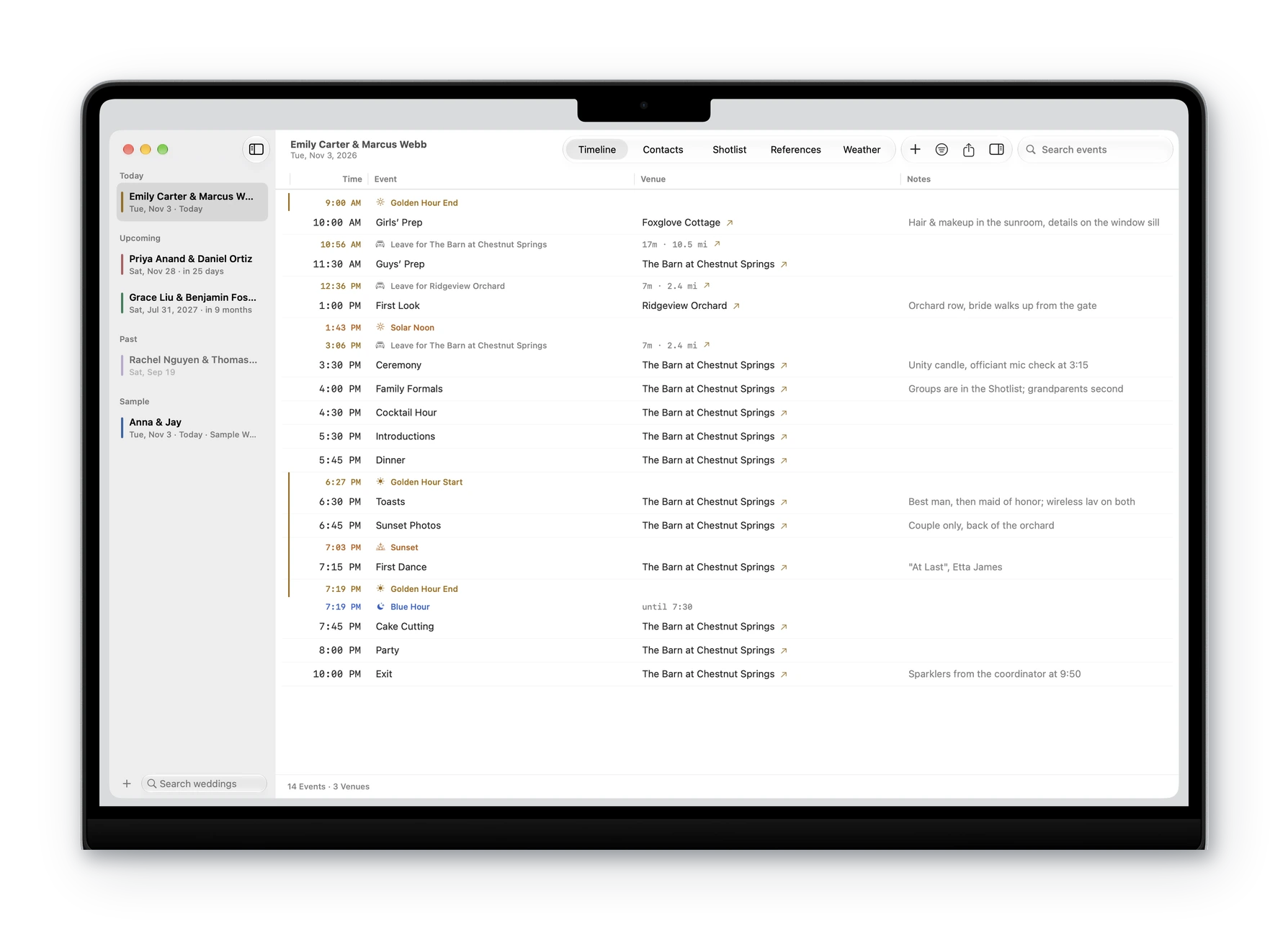
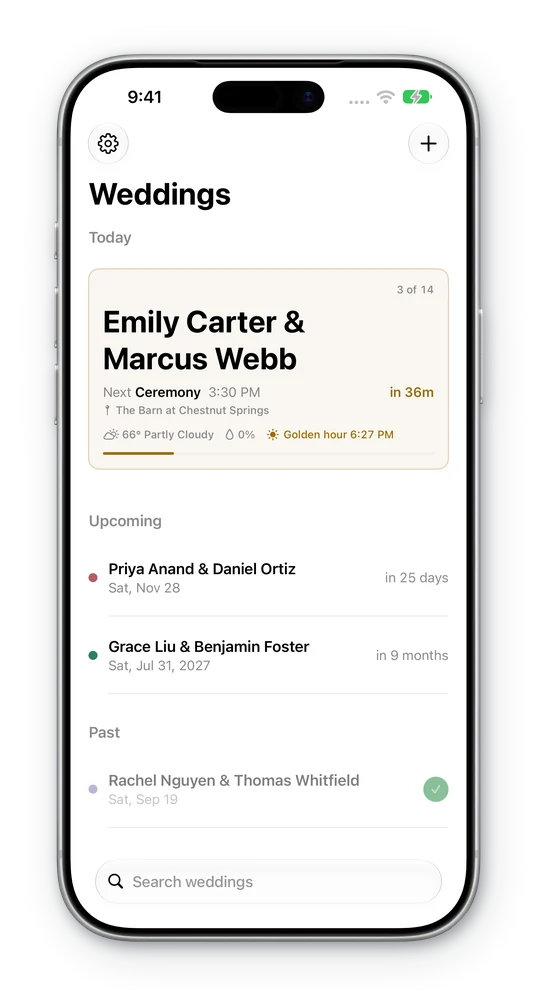
Import the planner's schedule. Then follow the day from your phone or your wrist. The timeline is free.

I film weddings. Anemone started because I kept pinching through the planner's PDF between the ceremony and family formals to find out where we were driving next. So I built the thing I wanted on my phone.
Kevin Stauss, wedding filmmaker and developer
Point the camera at the printout, or pick a PDF, a photo or a screenshot, or paste the text. You check every row before it's added. It's all read on your iPhone, and nothing is uploaded.
Return adds a row. Paste rows from a spreadsheet and the columns line up. It syncs to your phone through iCloud.
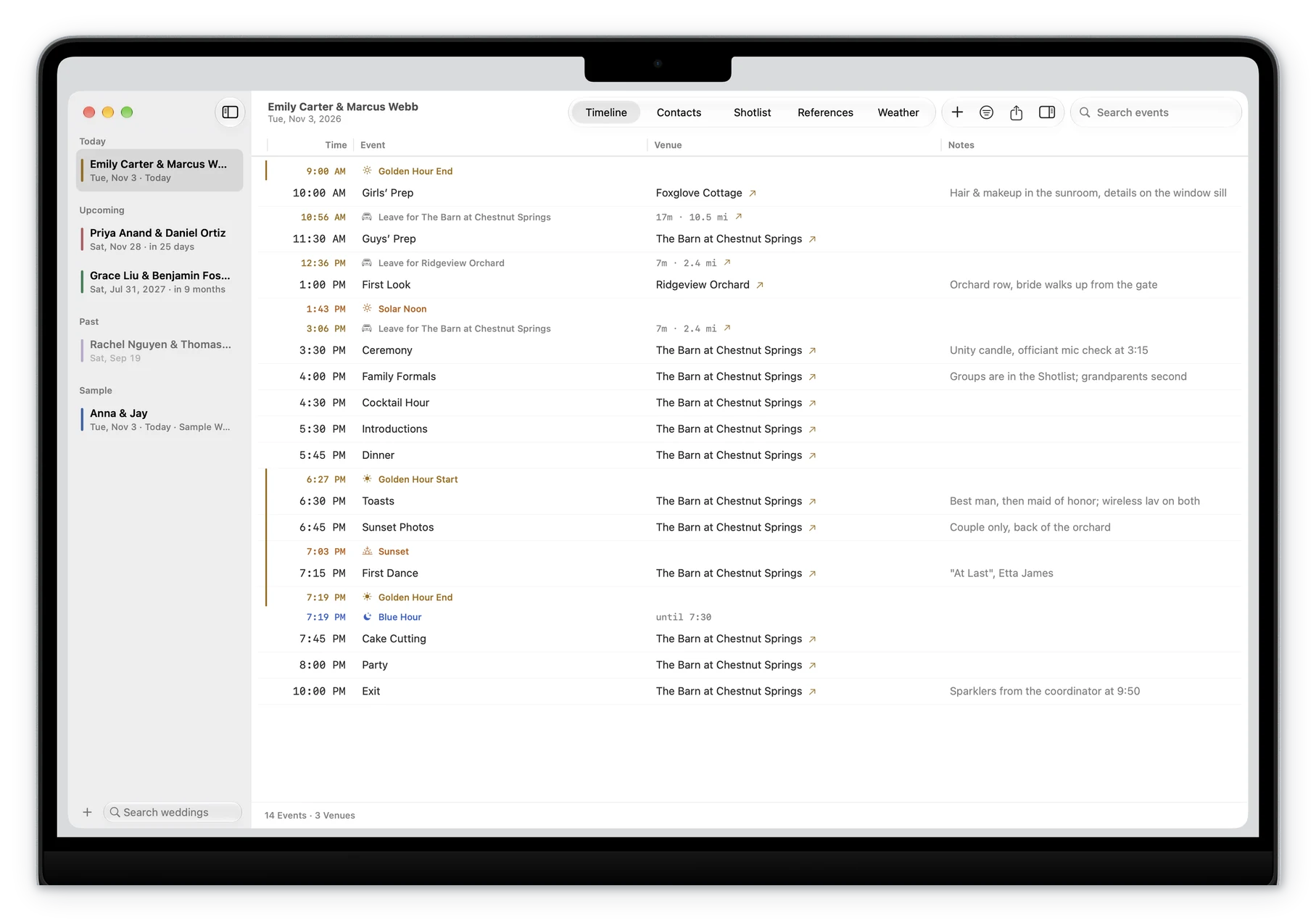
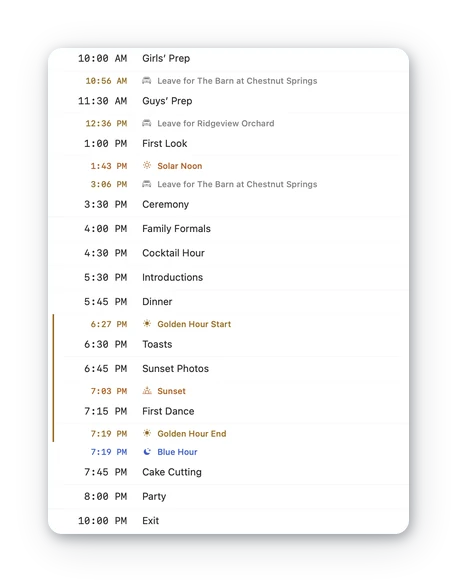
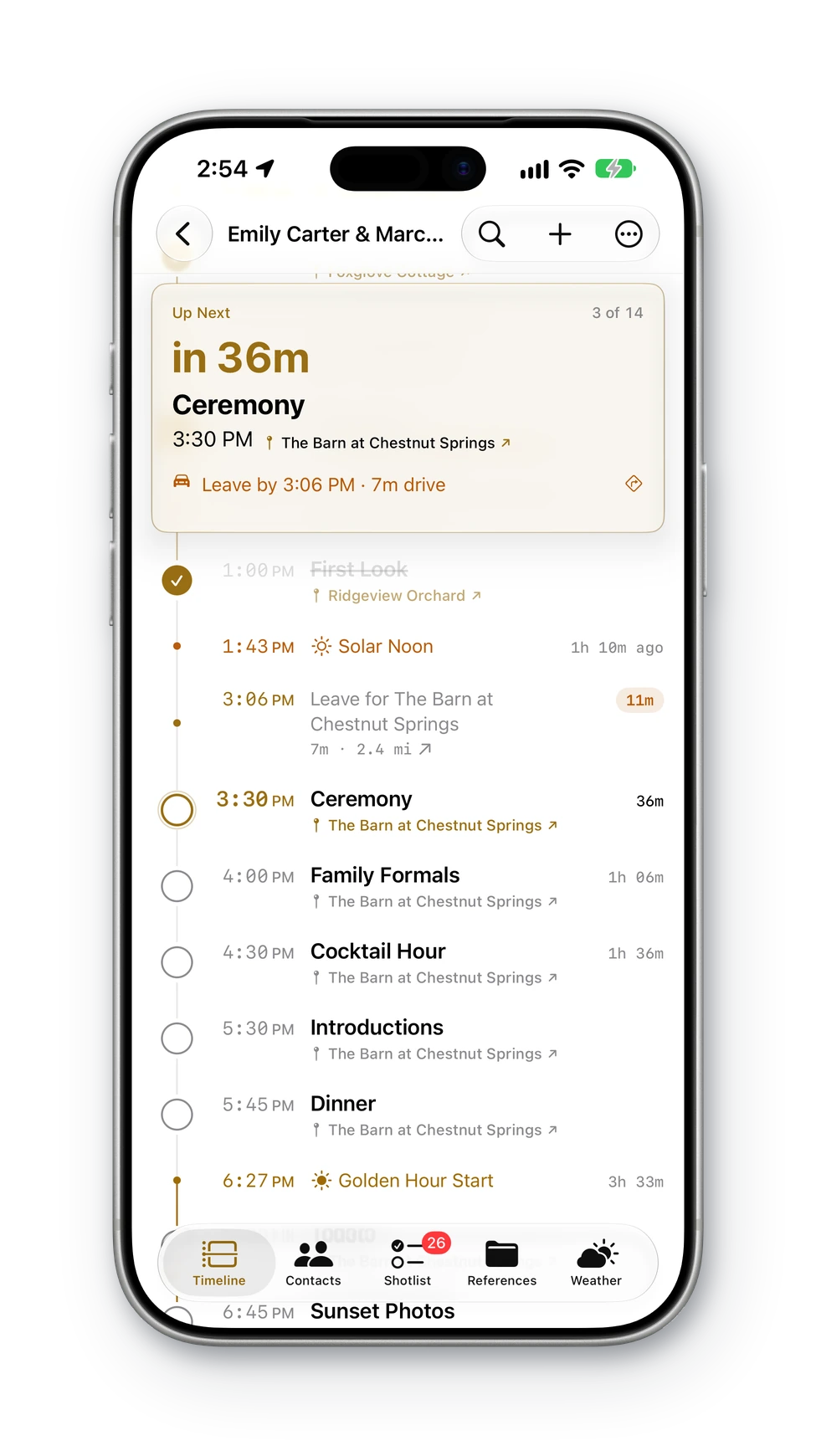
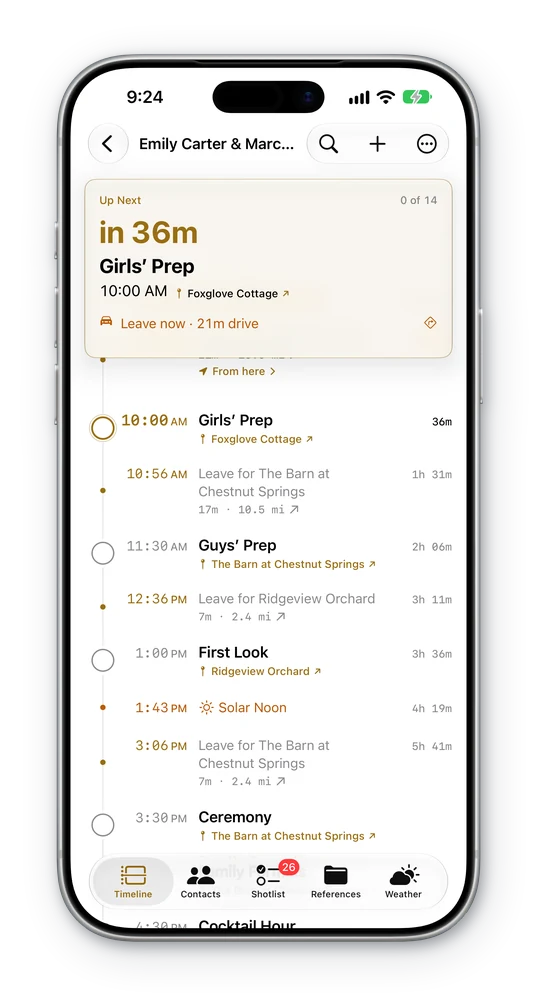
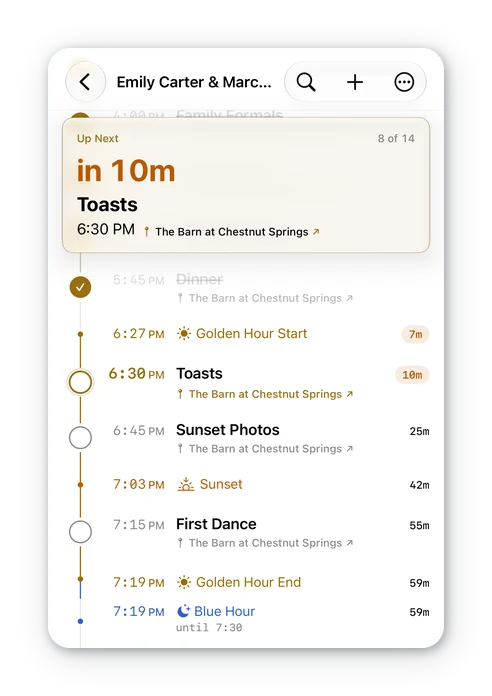
The first drive starts from home or the hotel. The timeline shows when to leave, and a Time Sensitive alert lands on the Lock Screen when it's time. Directions open in Apple Maps, Google Maps or Waze.
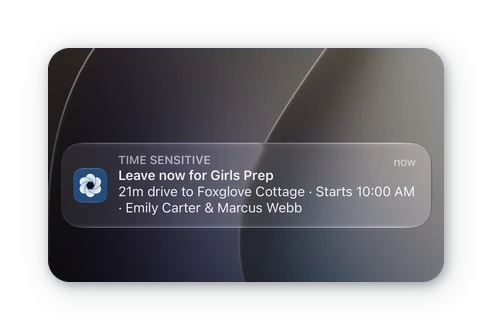

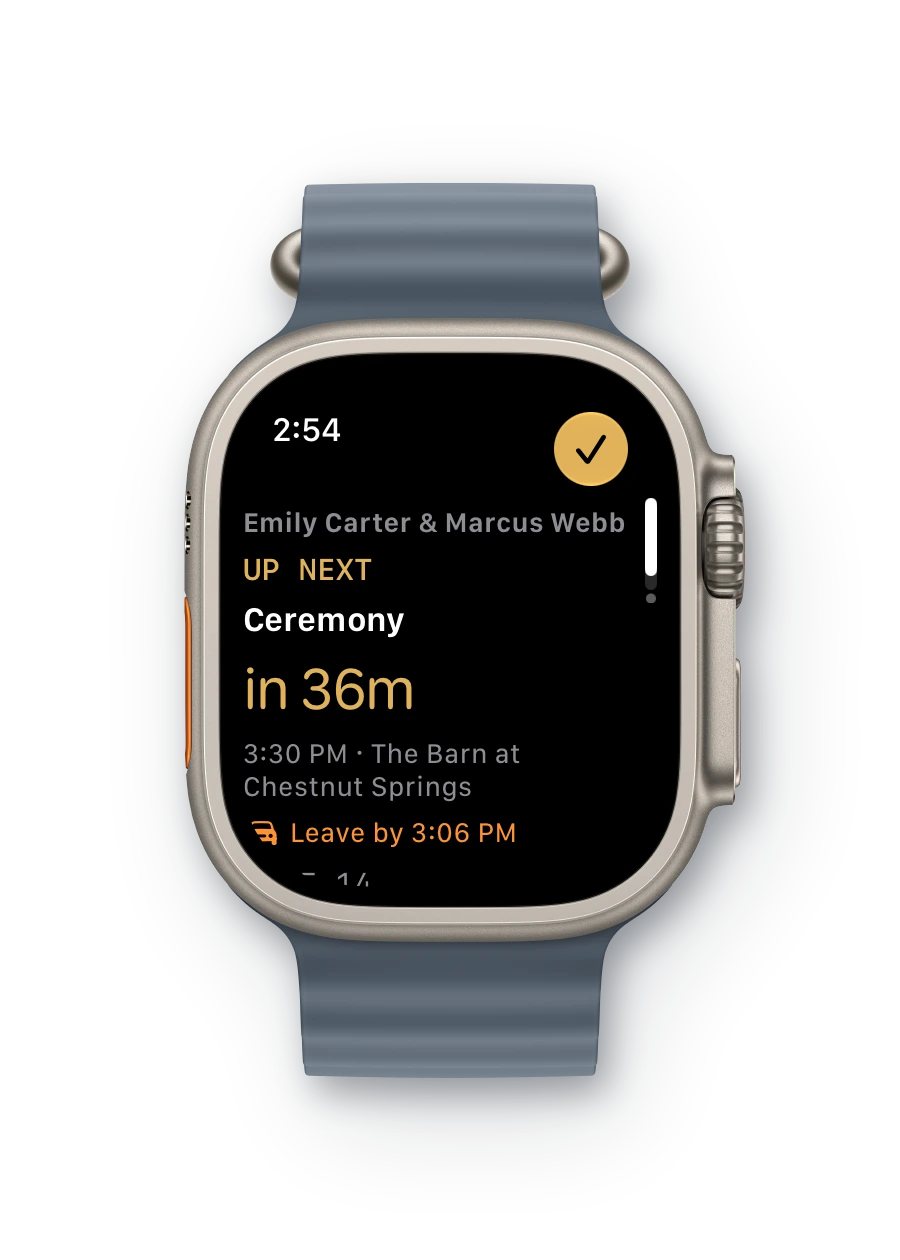
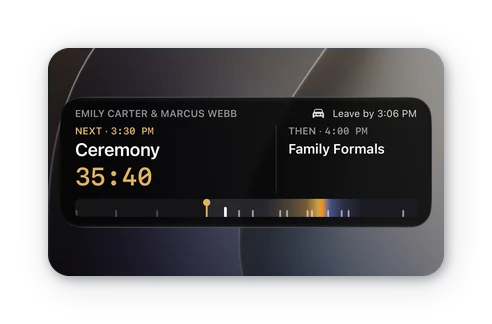
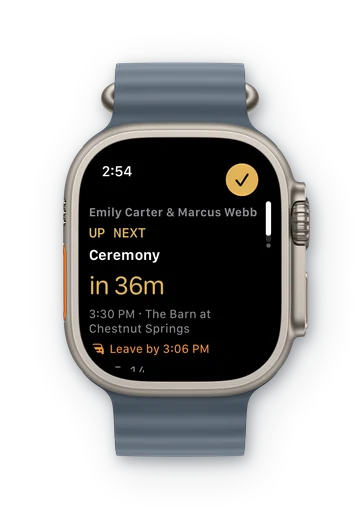
Between shots, the Lock Screen and your watch show what's next, where it is and when to leave. Check events off from the phone or the wrist.
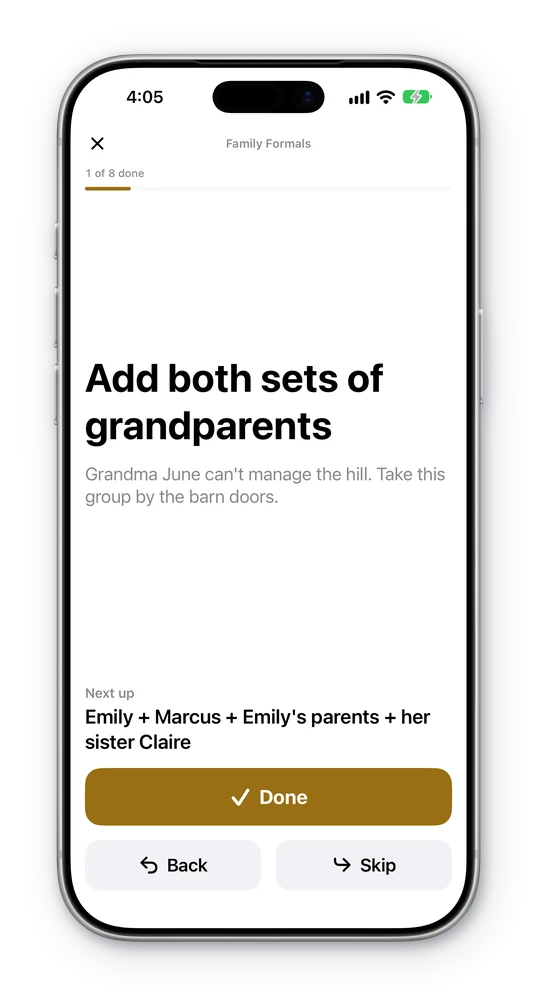
One group at a time in big type, with its note. Tap Done, Back or Skip, and the next group is already on screen.
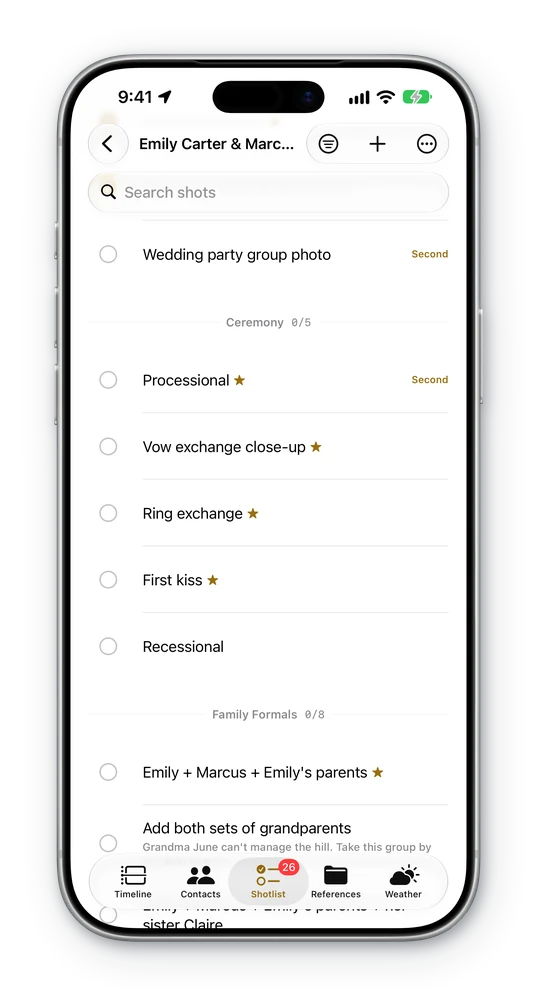
Start from a template or write your own. Star the must-haves and filter to the ones still left. Tag each shot Lead or Second.
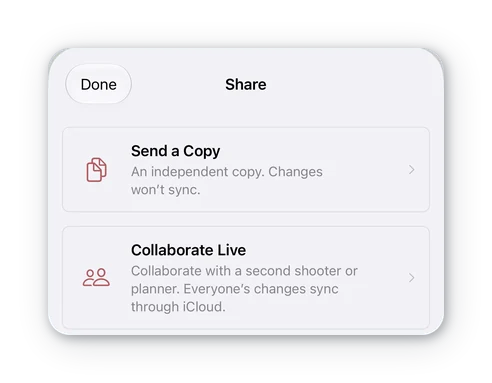
When you share a wedding through iCloud, your second shooter or the planner sees each edit as you make it. They don't need Premium for a wedding you share.

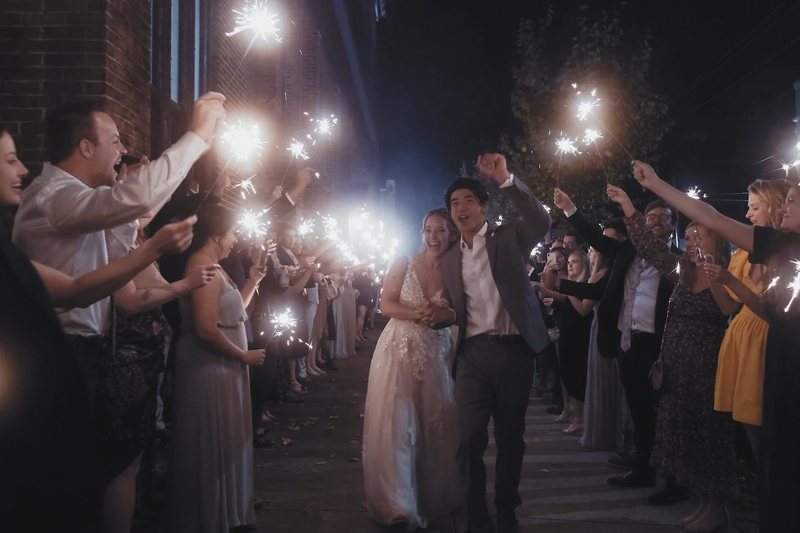
Chanta and Cullen, from a wedding I filmed.
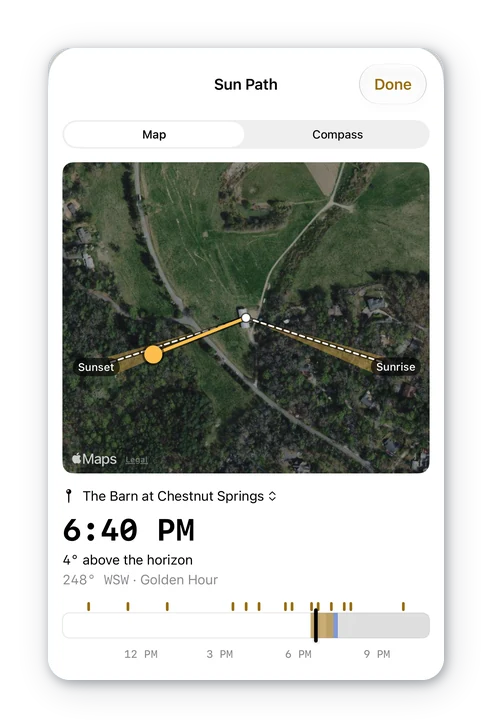
Golden hour, sunset and blue hour sit between your events, worked out for the venue. Sun Path shows where the sun will be at 6:40 over a satellite map as you scrub through the day.
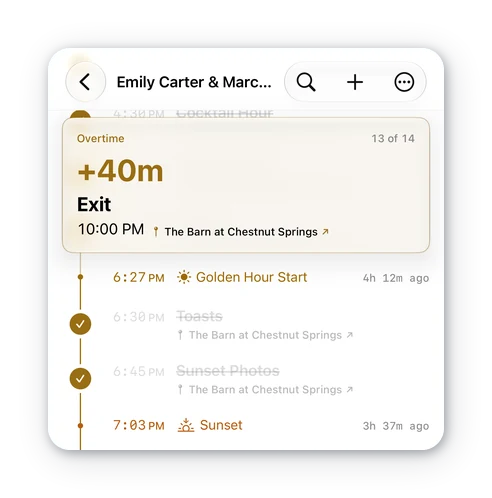
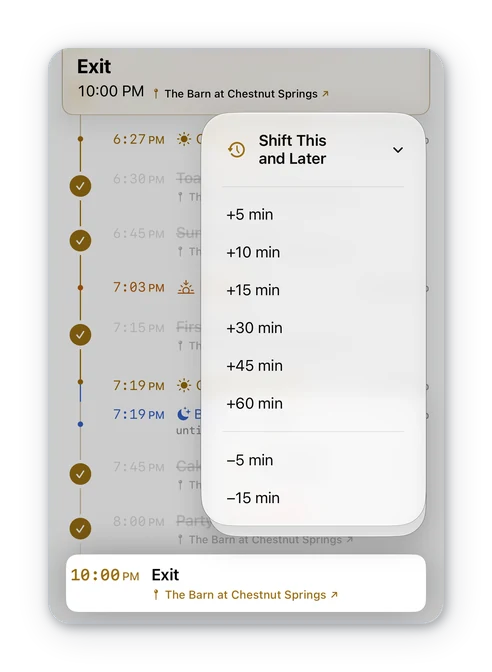
When the sparklers get pushed to 10:45, Shift This and Later moves the exit and everything after it. Set the end of your coverage and the header counts the overtime.
Your weddings are stored on your phone and in your own iCloud. There's no account to make, and no ads or analytics. Past weddings stay until you delete them.
Everything from the import to the overtime is free on iPhone, Apple Watch and Mac, for as many weddings as you add. Premium adds the tools for the rest of the job.
For every wedding
The rest of the job
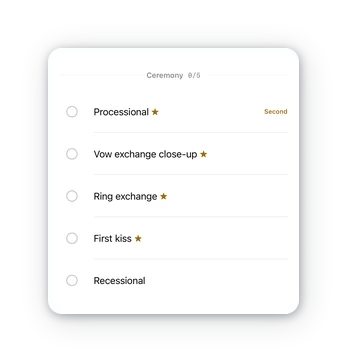 ShotlistTemplates or your own, with must-haves and Lead and Second tags.
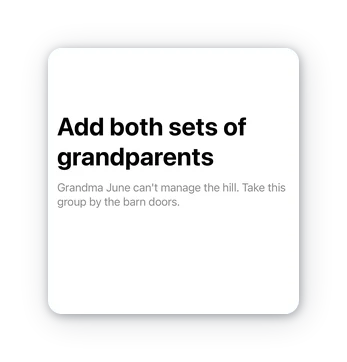 Call FormalsFamily groups one at a time, in type you can read aloud.
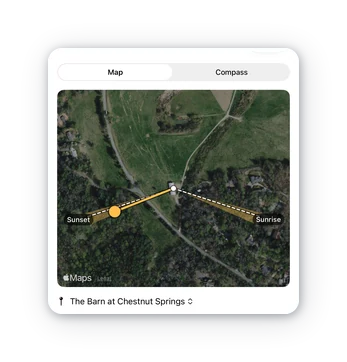 Sun PathWhere the sun will be over the venue, on a map or a compass.
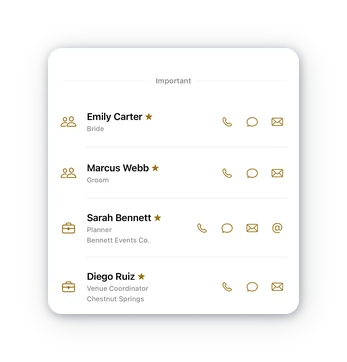 ContactsVendors, the wedding party and family. Call, text or email from the list.
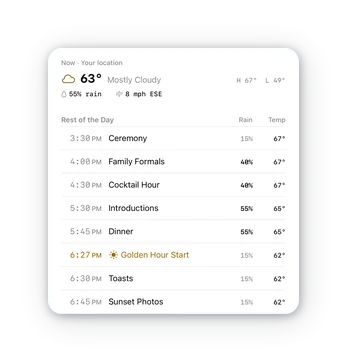 WeatherRain chance and temperature at each venue, beside your events.
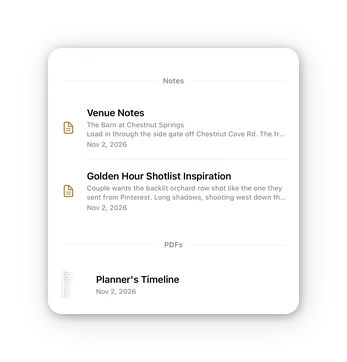 ReferencesThe planner's PDFs, venue notes and reference photos.
Plus live sharing with your second shooter or the planner (they don't need Premium for a wedding you share), and PDF export and printing.
Premium is monthly, annual or a one-time lifetime purchase. The annual plan starts with a 7-day free trial for new subscribers. One purchase covers iPhone and Mac, with Family Sharing.
The sample wedding, Anna & Jay, has every Premium tab open to read.

Free to download, with a sample wedding to look around in.